 Inkbeat
Draw a line.
Hear it.
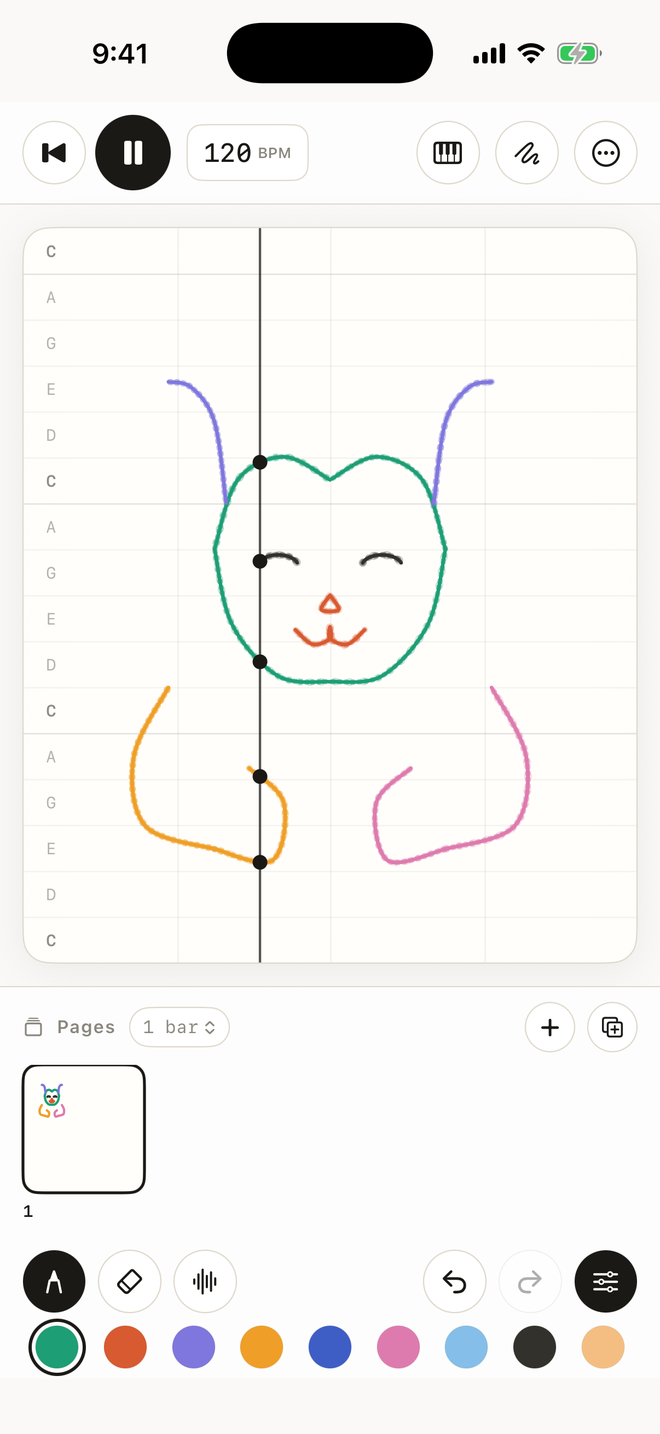
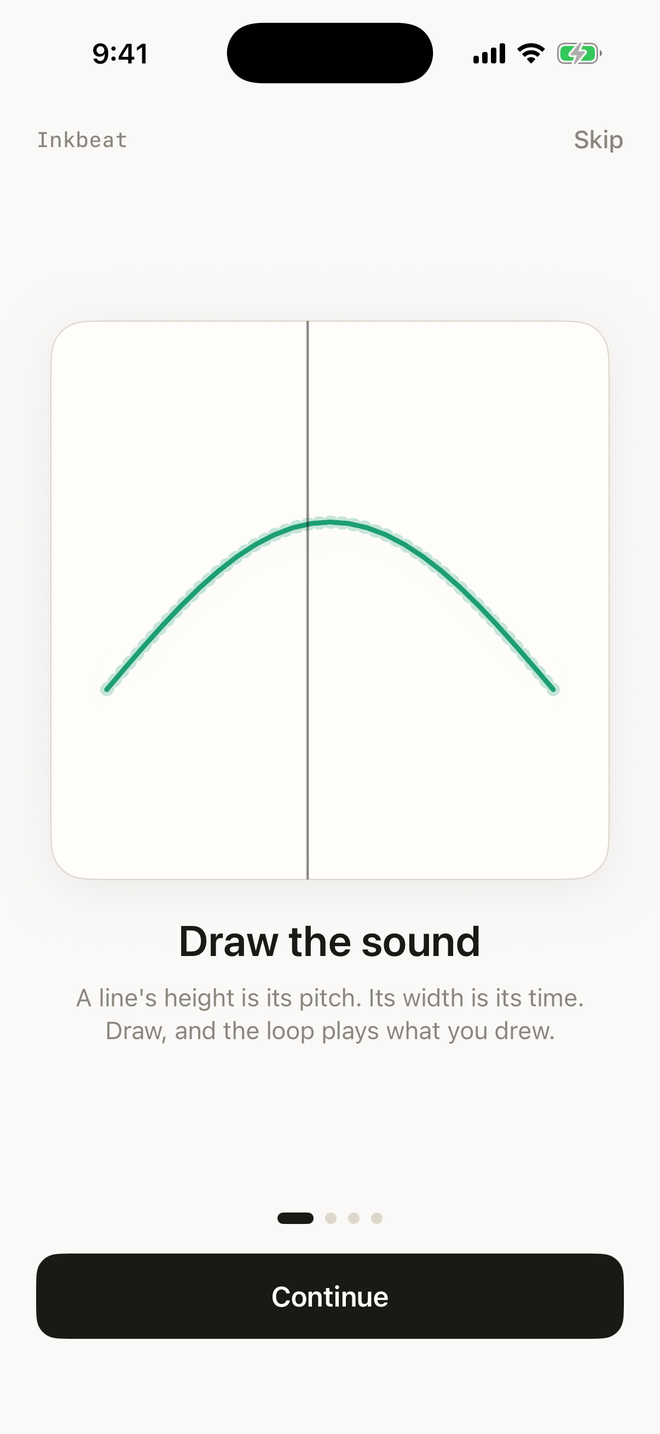
Inkbeat is a visual instrument. A line's height is its pitch, its width is the time. You draw on paper, and the loop plays it back.
$1.99 · one purchase · iPhone & iPad · iOS 15+
What it is
A sequencer you play with a pencil: nine instruments, a real key, a timeline of pages — and the paper is the score.
Nine voices
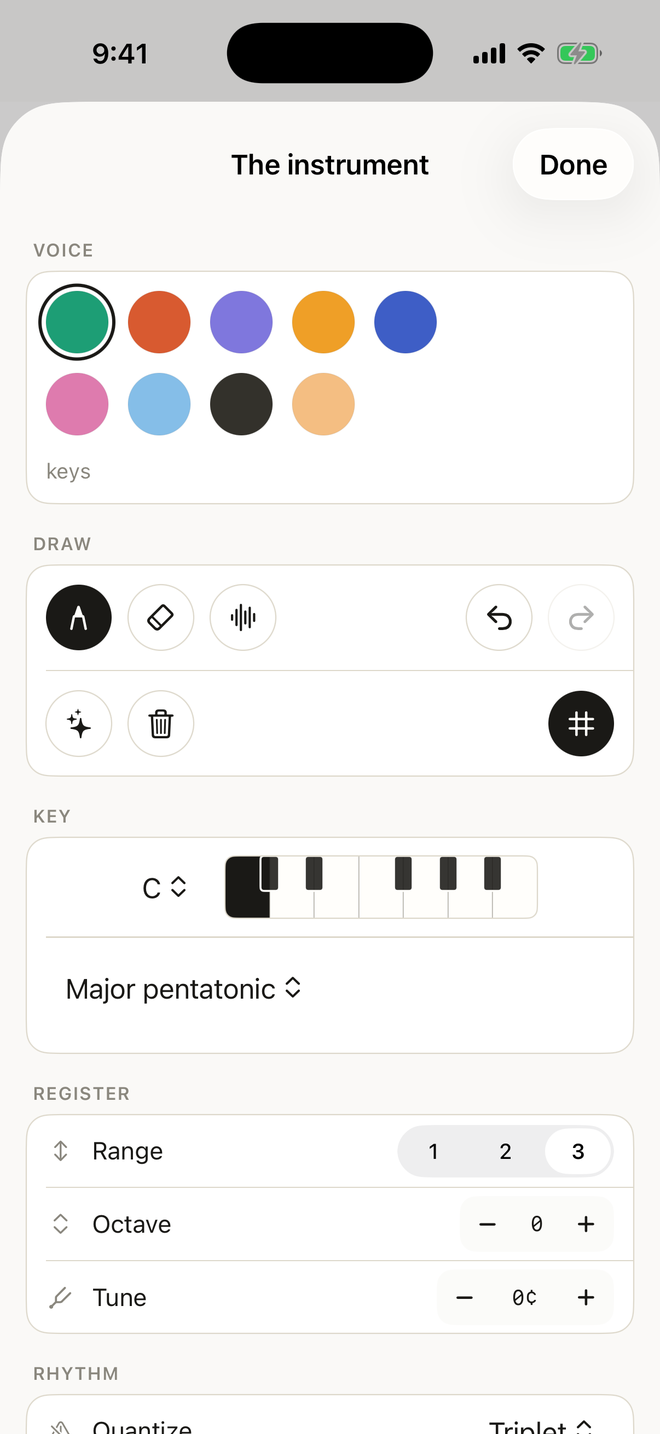
Keys, pluck, bell, marimba, flute, strings, chime, bass, 8-bit. Every colour is one of them, each with its own wave, filter and envelope.
A real key
Twelve keys, thirteen scales, one to three octaves, octave shift and tuning in cents. The rows of the paper are the notes of the key.
Quantize and swing
Snap to 1/4, 1/8 or triplets. Move the second of each pair with swing. Shorten notes with the length control, or let them ring.
Beats underneath
Bass, drums and an arpeggio follow the key and the tempo, so a drawing becomes a track without leaving the paper.
Pages
One to eight bars a page, pages strung into a timeline. Page turns land on the downbeat, so nothing bleeds.
Play by hand
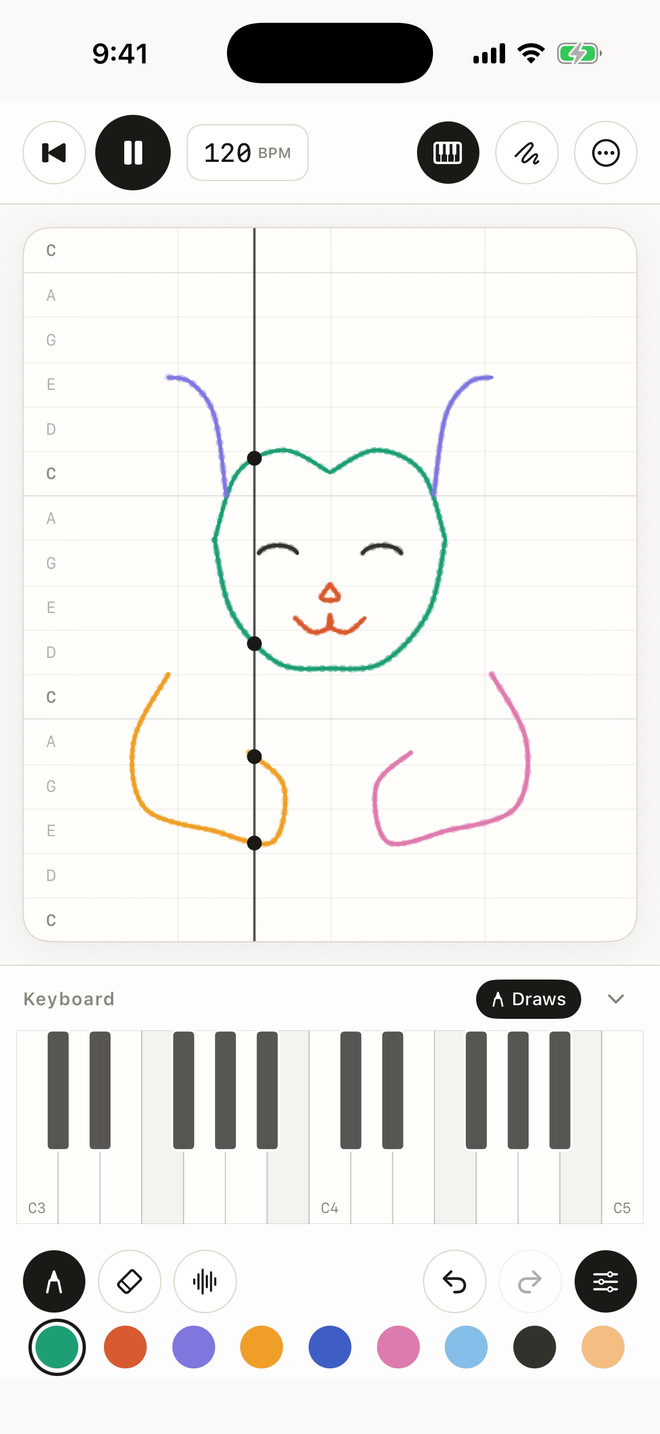
A two- or three-octave keyboard on screen, and MIDI in from a real piano. Notes snap to the key and can be drawn into the loop.
Trace a picture
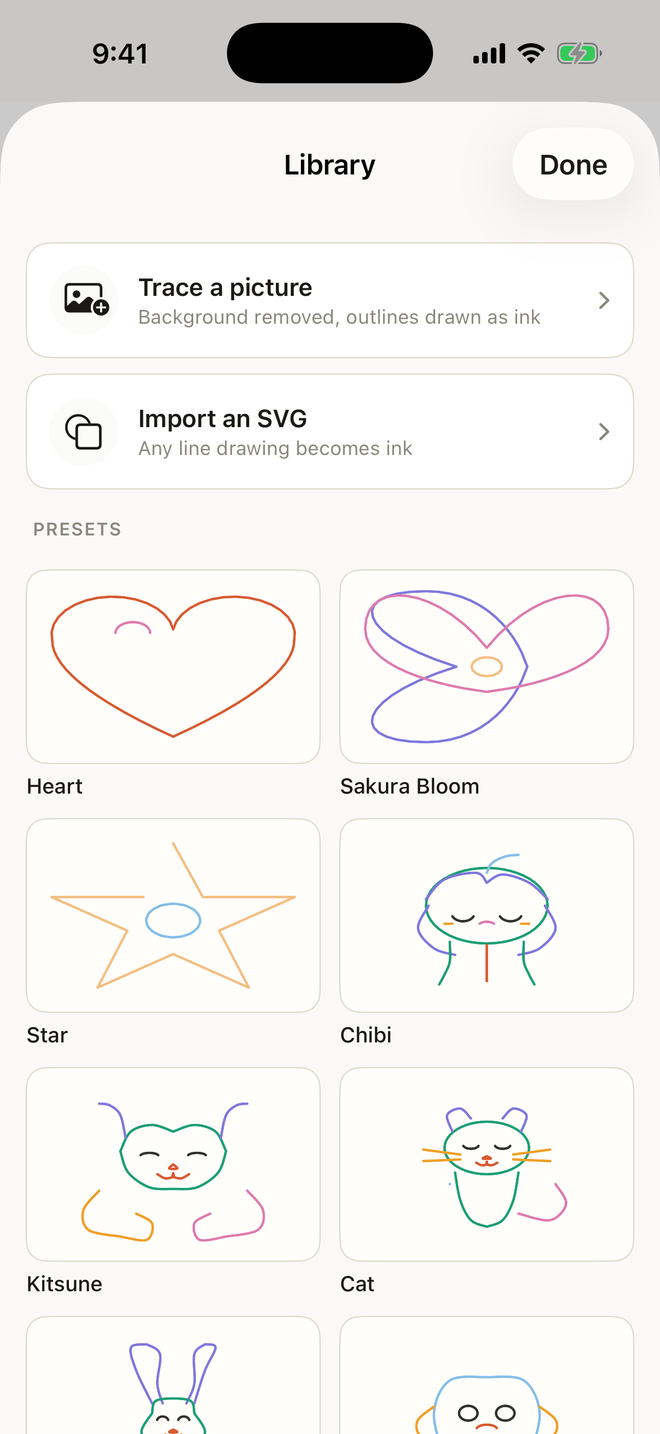
Import a photo or an SVG. The app removes the background, finds the outlines and lays them on the paper as playable ink.
Exports
WAV of the loop, MIDI of the notes, the piece as a .pmt file, and a 1080 × 1920 video take with the loop's own audio.
Nothing leaves
No account, no analytics, no ads, no tracking, and no network requests. The instrument works offline.
How it works
Three things to know, and then you are playing.
Draw
Draw with a finger, or start from a drawing in the library. Higher is higher, further right is later. Chords are wide shapes; a single dot is a single note.
Choose the sound
Pick one of the nine inks. Change the key and the paper re-rules itself. Add bass, drums and an arpeggio when the line needs a floor.
Keep it
Play the loop, turn the page, or take it out: WAV, MIDI, a video, or the piece itself to open again later.
Pricing
One purchase. Everything in the app, forever. No subscription, no in-app purchases, no ads.
$1.99
United States $1.99 · the App Store shows the local price everywhere else
iPhone and iPad, one purchase for both. Family Sharing applies.
What is included
Nine voices, every scale, pages and timeline, the keyboard, MIDI in, the library, picture and SVG tracing, WAV, MIDI, video takes and the piece file.
Questions
What is Inkbeat?
A visual instrument for iPhone and iPad. You draw a line on the paper, its height sets the pitch and its width sets the time, and the app loops what you drew as music.
How much does it cost?
It is a paid app: $1.99 in the United States, with the local equivalent shown on the App Store in each country. One purchase, no subscription and no in-app purchases.
Does it need an internet connection?
No. Everything, including exports and picture tracing, happens on the device. The app makes no network requests of its own.
Does it collect any data?
No. There is no account, no analytics, no advertising and no tracking. Pieces stay on the device unless you share them.
What can I export?
A WAV file of the loop, a MIDI file of the notes, the piece itself as a .pmt file, and a 1080x1920 video take with the loop's own audio.
Which devices are supported?
iPhone and iPad on iOS or iPadOS 15.0 and later. MIDI keyboards can be connected; the app needs no other accessory.
The facts
- Name
- Inkbeat
- What
- a visual instrument: draw music on paper
- Platform
- iPhone, iPad · iOS and iPadOS 15.0 or later
- Price
- $1.99 · local equivalent on the App Store · one purchase
- Developer
- Uday Alawa
- Contact
- hello@inkbeat.xyz
- Data
- no collection, no tracking, no account, works offline
- Exports
- WAV, MIDI, .pmt, 1080 × 1920 video